




Les Olson IT Named a Ricoh Pro Dealer
As we celebrate our 70th anniversary in business, we are thrilled to announce a major milestone that reinforces our commitment to excellence: Les Olson IT has been officially named a Ricoh Pro Dealer. What Does “Ricoh Pro Dealer” Status Mean for You? Being named a Ricoh Pro Dealer (part of the prestigious Ricoh ProVision program) isn’t just a badge of honor for […]
Stop Relying on Outdated Tech: What Your Office Needs by 2026

Future-Ready Office Technology Starts Now The year 2026 is approaching quickly, and with it comes a new wave of workplace technology. Today’s office is no longer a traditional, fixed environment. Instead, it’s a dynamic, hybrid ecosystem powered by AI, automation, advanced security, and seamless connectivity. So, the real question is this: Is your current infrastructure […]
Les Olson IT: 50th Anniversary of Sharp Partnership
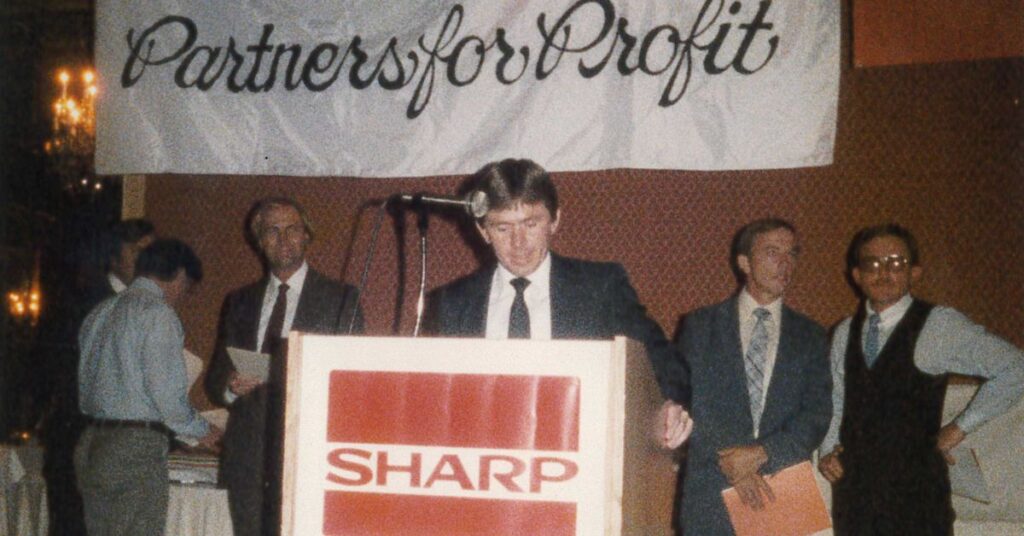
In a world of constant tech updates, few partnerships have truly stood the test of time. That’s why we’re proud to announce a monumental milestone: 50 years of partnership with Sharp. This milestone represents the trust and shared commitment that has benefited businesses throughout the State of Utah and Clark County, Nevada. This collaboration ensures […]
Computers and Printers Near Me, In Stock
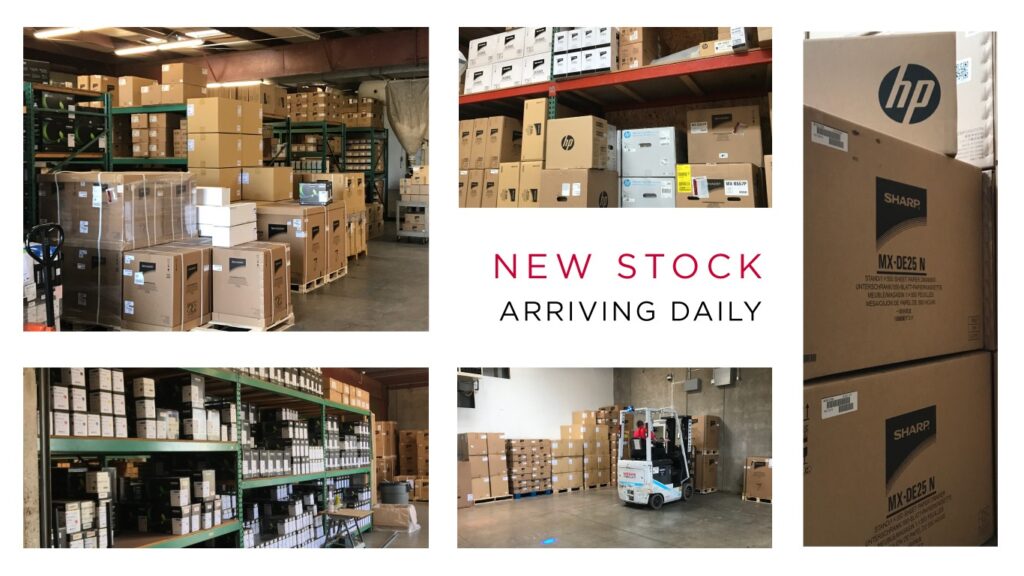
We have full warehouses in each of our 9 locations. with common items like laptops, laptop accessories, multi-function printers, printer supplies, and more.
Multi-function Printers Lose the Ability to Scan-to-Email.
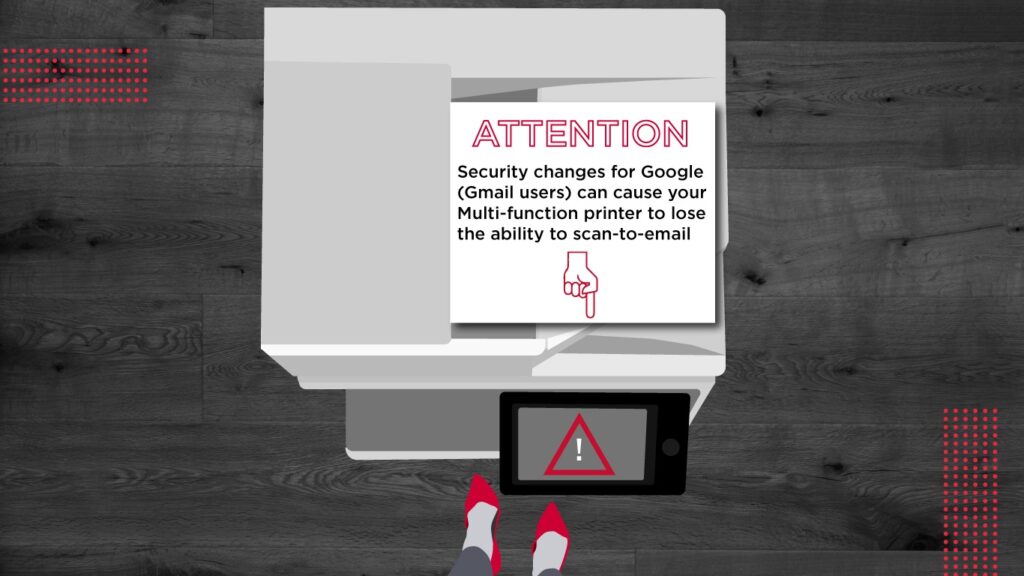
ATTENTION: Security changes for Google (Gmail users) can cause your Multi-function printer to lose the ability to scan to email
Control Spread of Illness by Cleaning Office Equipment

With the threat of Coronavirus looming, many offices are taking extra precautions to sanitize commonly-touched surfaces, like door handles. This is a great step in the right direction, but most businesses are overlooking some of their most touched surfaces – shared computers, displays, copiers, and accessories.
Use Card Shot on Your Sharp Copier
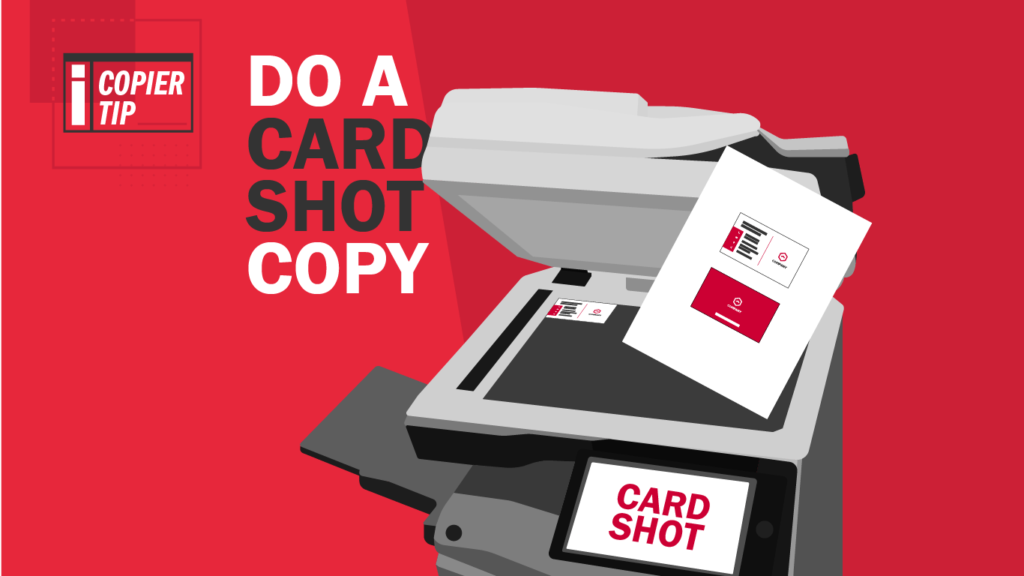
Do you have a pile of business cards you’ve collected just sitting around on your desk? Do you have FOTHROW (Fear of Throwing Them Out)? Keeping those business cards handy can be great when you remember you need that one card from that one person, but rifling through your collection, trying to locate the one you need can be futile.
Copier Says “Out of Paper” but There’s Paper in the Tray
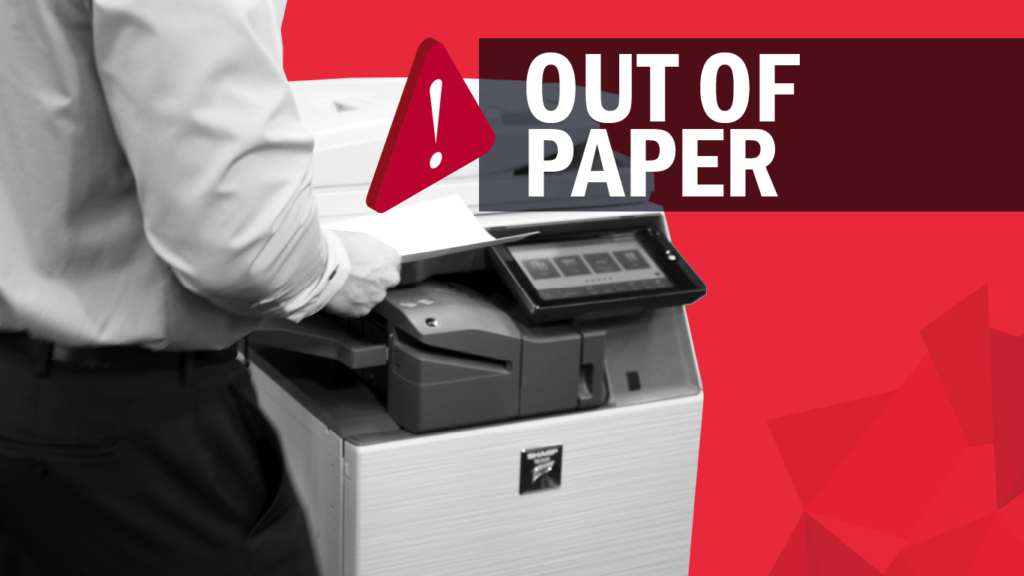
The copier’s error message says it’s out of paper, but there’s clearly paper in the tray. What gives? It’s one of the most common frustrations when using an office copier: the dreaded “Out of Paper” error. You have paper in the trays, but the message has not gone away.
Is My Copier Secure?
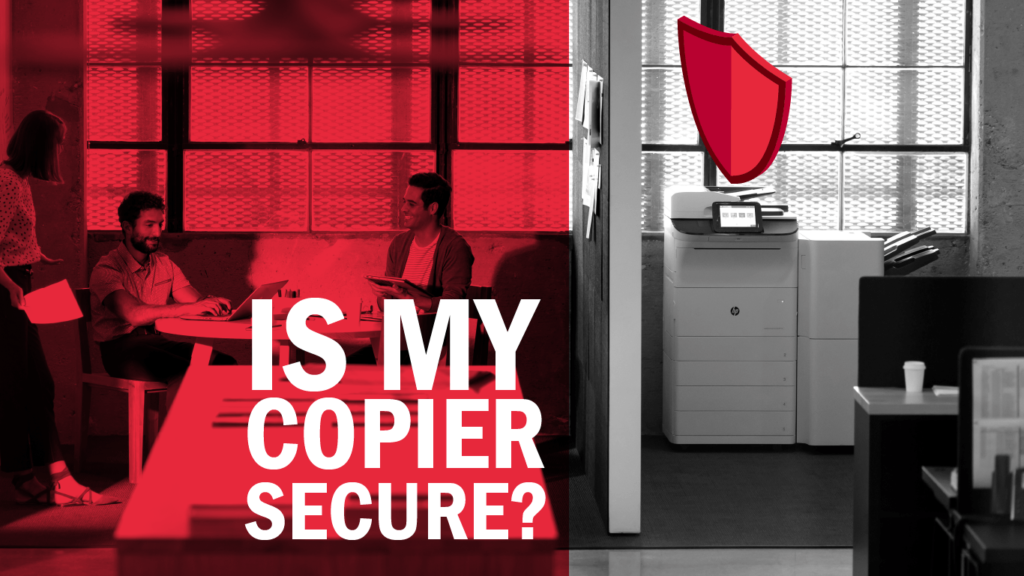
You likely go to great lengths to make sure the data your company handles is safe from the threat of hackers. You secure your business networks and databases and encrypt sensitive information like names, social security numbers and credit card accounts.
How Do I Get Rid of Lines on My Copies?

Are your documents sending the wrong message? After all, as the saying goes, presentation is everything. If your copies are marred with unprofessional-looking black lines or dots, it might reflect poorly on your business. Avoid this mistake by making sure your documents are sending a clear message, free from any unintended distractions.
Comparison: Sharp vs. Konica Minolta Color Copiers
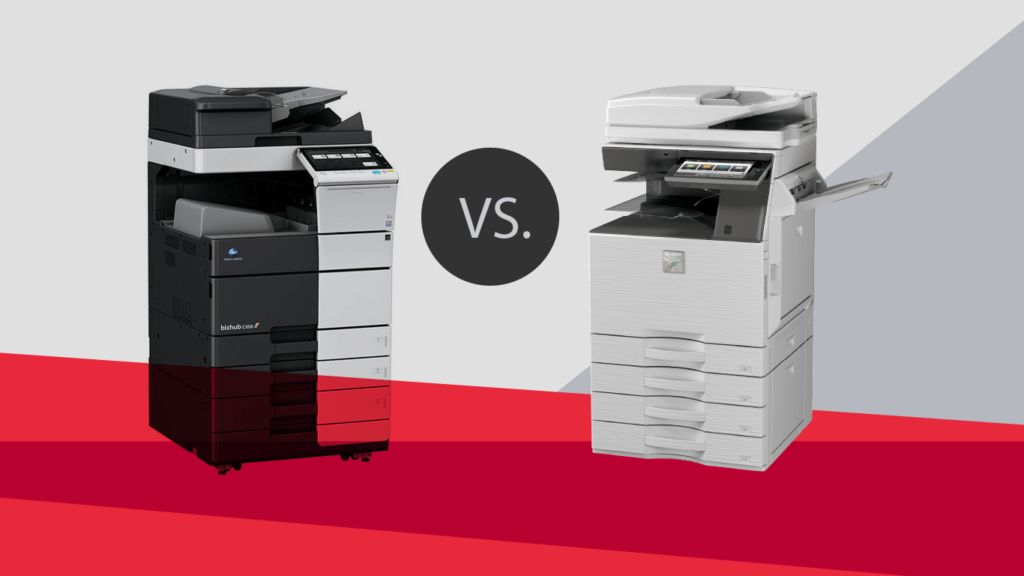
Compared to the Konica Minolta bizhub C308, the Sharp MX-3050N delivers faster printing, a higher black cartridge yield for fewer interruptions, along with standard features like USB printing and scanning, and Serverless Print Release technology. When the Sharp product is configured similarly to the Konica Minolta device, with additional paper drawers, wireless connectivity, and Adobe PostScript 3, the device is significantly less expensive. All things considered, the Sharp MX-3050N delivers greater value than the Konica Minolta bizhub C308.
Two Things All Copier Vendors Should Do (But Don’t Always)
If you run a business, you have a lot on your plate, so you’re probably constantly on the lookout for ways to save time and money. If you use a copier in your office, we’re here to tell you that it should not add to your workload, but lighten it. With that in mind, here are two things your copier vendor should be doing for you. If they aren’t, you may want to consider another vendor.