

Les Olson Ricoh Pro Dealer
les olson it logo and verkada platinum plus logo on a white background

Copier Service & Maintenance Plans

We offer inclusive maintenance plans to assist in managing your organization’s copier or printer maintenance and supplies – all for one consolidated monthly fee.

Equipment Moving & Installation

Contact our installs team for new equipment installation or assistance in moving your office equipment. Our experts will ensure your equipment is connected & ready to use.

How to Digitize Documents with Free PaperScan App

April 21, 2020

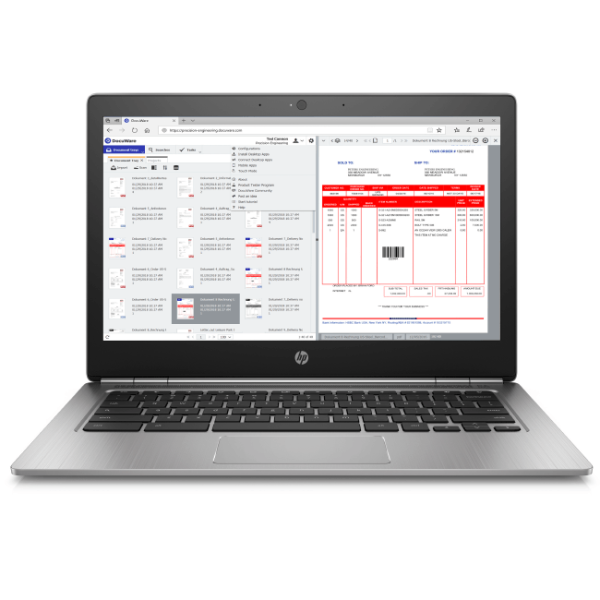
With so many people working from home, digitizing documents is more important than ever. But if you don’t have a scanner at home, you’re out of luck, right? Wrong! DocuWare has a free mobile scanning app that works with, or independently of DocuWare. In this article, we’ll discuss some of the features of the PaperScan App, and how you can use it to digitize and distribute your paper documents from home.

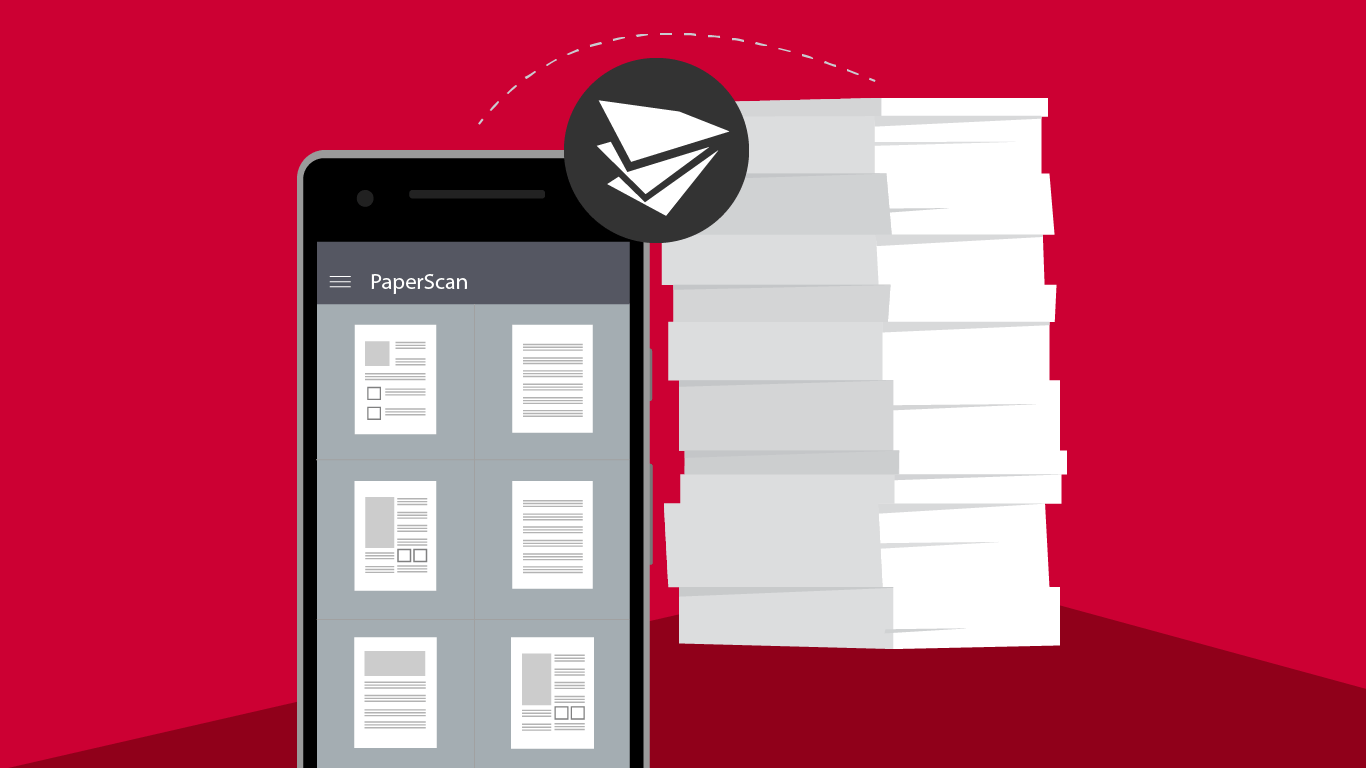
The PaperScan App is an incredibly handy tool that is available to download to your Apple or Android smartphone. Once you have it, you can scan documents to applications like DropBox, GoogleDrive, and DocuWare. This is a great solution to address gaps in scanning hardware across home offices since it’s free and works with, or without DocuWare. It enables you to share high-quality scans of documents with your co-workers across locations, so you can share information in real time. If you do use DocuWare, you can use PaperScan to quickly upload your documents directly to DocuWare to integrate with your current workflows.

Using the app is as easy as opening it on your smartphone and placing your device above the document you want to scan. PaperScan then automatically recognizes the documents, and triggers an image capture. The app will also automatically optimize the scanned image by adjusting the contrast correcting distortions, and cropping the edges so your scan looks nice and neat. You can scan all kinds of documents of any size and you’ll get great scan quality, even if the light in your home isn’t ideal. There’s even a batch scan mode, and you’ll have the ability to email, print, and AirDrop single-page documents.

We hope this simple and free tip helps you stay productive. If you would like information about how DocuWare can help your business manage document workflow for remote workers, check out our helpful article, or contact us.

Get a Demo or Quote on DocuWare

LinkedIn
Facebook
X

Related Articles

DocuWare_Diamond-Blog_Featured_Image
Read More
Les Olson Modern Workspace Tech Essentials Blog
Read More
Les Olson Blog HP Latex 630
Read More
The owner of this website has made a commitment to accessibility and inclusion, please report any problems that you encounter using the contact form on this website. This site uses the WP ADA Compliance Check plugin to enhance accessibility.

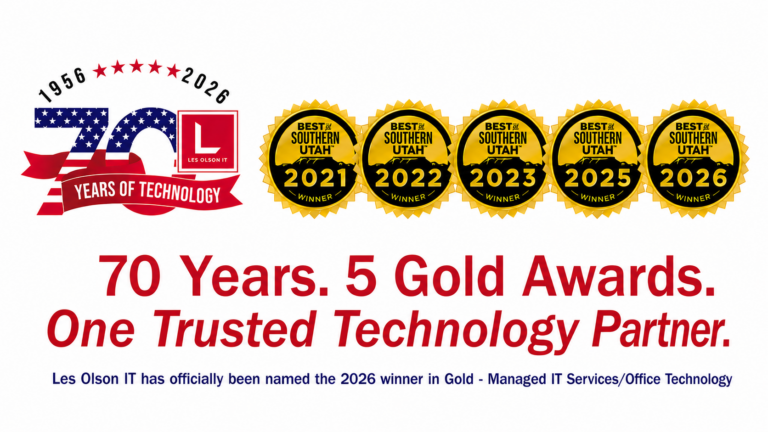
Les Olson IT is officially on the voting ballot for Best of Northern Utah and can be found in Customer Service, Managed IT Services/Office Technology, and Place to Work!

Vote Daily: remember, voting is open NOW until Wednesday, March 25th, 2026 at 5:00 PM. Encourage your fans to vote once per day.

Vote for Les Olson for Best of Southern Utah!

Summer Food & Fund Drive

Now - August 31

All Les Olson IT locations are official drop-off points for the Utah Food Bank or Three Square Food Bank.

Las Vegas, NV

Grand
Opening
Event

April 17, 2025 11am-3pm